What's new

Follow new updates and improvements to Flipsnack.

July 28th, 2026

New

Organize your media library using subfolders, making it easier to keep images, videos, and other assets neatly structured. This is especially helpful for teams managing large volumes of content across multiple projects or brands.

Available from: All plans

July 24th, 2026

New

The text content inside flipbooks can now be indexed by search engines and AI-powered search tools. This helps publications appear in relevant search results, increasing organic reach without any extra effort from the publisher.

Available from: Request

July 22nd, 2026

New

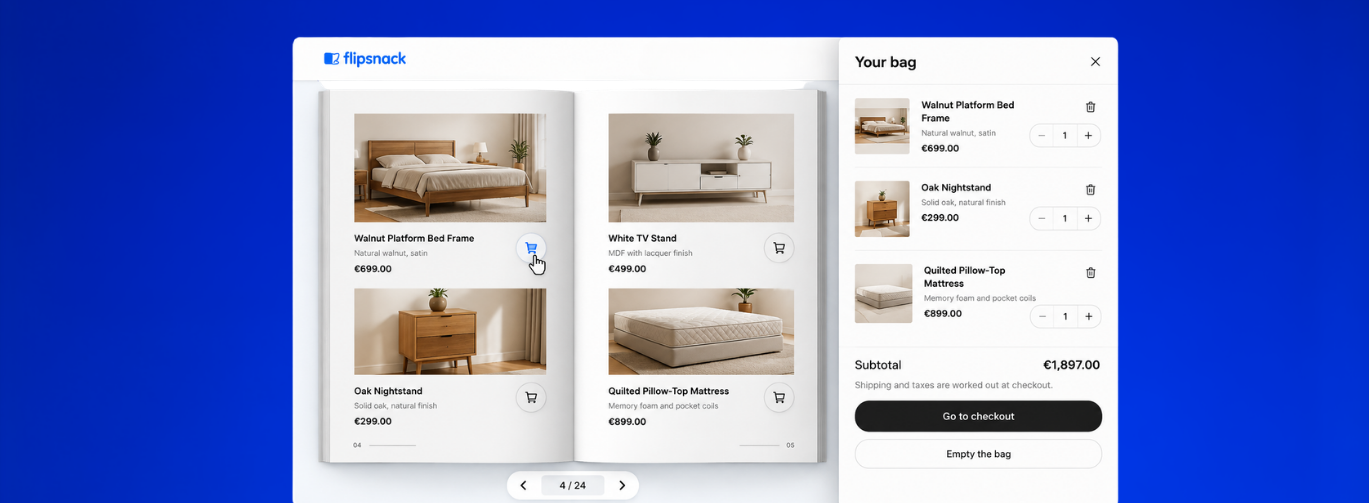
Apply different templates to different categories and subcategories within a single catalog, so each product group gets the layout that suits it best β€” all while keeping everything in one publication. With this initial release, multi-template catalogs can be generated through the API.

Available from: Enterprise

July 22nd, 2026

New

Readers can now select and download only the pages they need, directly from the player. This is especially useful for long publications where only a portion of the content is relevant to the reader.

Available from: Request

July 14th, 2026

New

You now add motion effects like slide-in, blur, reveal, shake, scale, and more to elements directly inside the Design Studio. This makes it easier to create visually engaging flipbooks without needing external tools or design expertise.

Available from: Business

July 13th, 2026

New

Free trial and free users can now download PDFs of their publications, with a visible watermark applied to each file. This lets them preview, share, and put their work to use right away, while the watermark makes it clear the document was created on a free or trial plan.

Free trial & free users

July 8th, 2026

Improved

Custom CatGen templates for clients now support custom page sizes, giving them full control over the dimensions of their generated catalogs. Whether clients need a non-standard format for print or a specific layout for digital use, our internal design team can now match the page size to the exact requirements without being limited to A4.

Available from: Enterprise

July 8th, 2026

New

You can now move any element from one page to another in Design Studio without losing it. Just drag and drop it to another page. Text, images, shapes, and other objects all transfer cleanly. This speeds up layout work and makes it easy to reuse content across your design.

Available from: All plans

July 8th, 2026

Improved

Readers can now highlight text in the player and share it instantly via the right-click context menu. Upon opening the URL, the selected text will appear highlighted, making it easier to share certain areas of the flipbook.

Available from: All plans

July 8th, 2026

New

Publishers can now choose between rounded and square corners for the flipbook thumbnails displayed in their bookshelf. A small but impactful styling option that makes it easier to match the bookshelf's look to their brand.

Available from: Professional